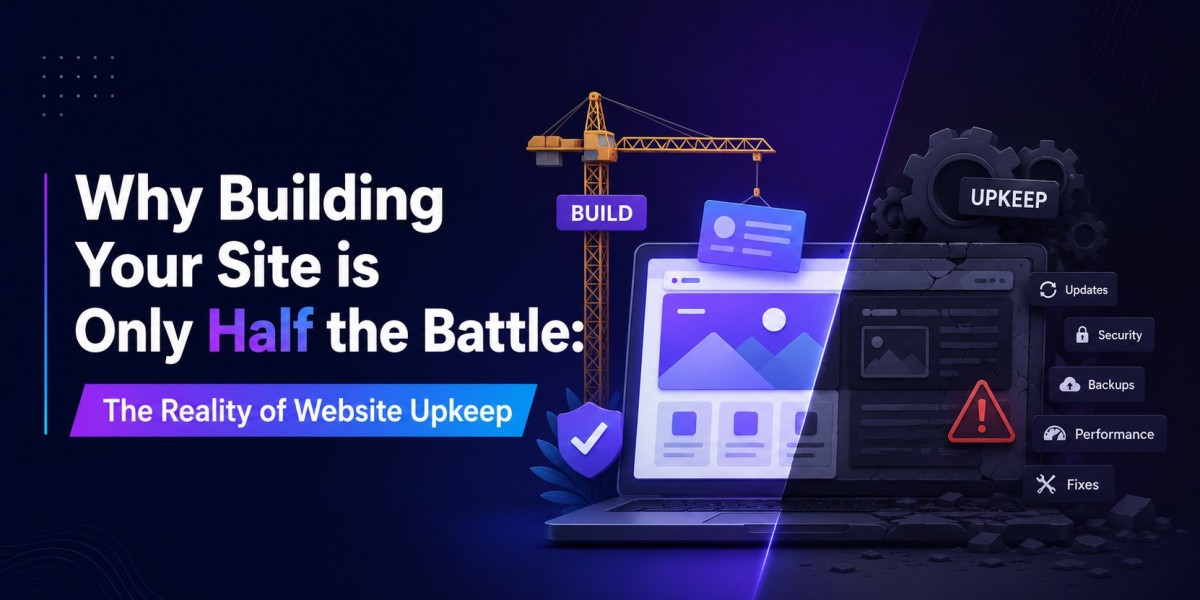

Pop the champagne! After weeks of tweaking layouts, writing copy, and selecting the perfect images, your brand-new website is finally live. It looks pristine, functions flawlessly, and feels like a massive weight off your shoulders. As a DIY website owner, you have every right to celebrate this milestone.
But here is the unfiltered truth that many entrepreneurs discover the hard way: launching a website is not a one-time event—it is a continuous process.
Think of your website less like a static print advertisement and more like a brand-new vehicle. The moment you drive it off the lot, it requires ongoing maintenance, fuel, and regular tune-ups to keep running smoothly. If you leave it sitting in the driveway for a year without changing the oil or checking the tires, it will break down.
If you have been treating your digital storefront with a "set it and forget it" mentality, here is why webcube upkeep is the hidden half of your digital success, and what you need to do to protect your investment.
1. The Cost of Content Drift and Broken Links
When you first launch, every link works perfectly, and every piece of information is current. Over time, however, websites experience what developers call "digital rot."
- Broken User Experience: You might delete an old page, change a product URL, or link to an external resource that no longer exists. When a potential customer clicks a link and hits a generic "404 Error" page, their trust in your brand plummets.
- The SEO Penalty: Search engines like Google crawl your site continuously. If their bots constantly encounter broken links, unoptimized media, or outdated code structures, they assume your site is abandoned and will slowly demote your rankings in favor of active competitors.
Regularly auditing your pages, updating your operating hours, refreshing your offers, and testing your contact forms ensures your customer journey remains entirely frictionless.
2. The Constant Evolution of the WordPress Ecosystem
One of the main reasons small businesses build on platforms like WordPress is the sheer power of its ecosystem. You can add plugins for everything from SEO optimization to appointment scheduling. However, that flexibility comes with a catch: everything updates at different times.
WordPress regularly rolls out core software patches to improve performance and patch security bugs. Following those core updates, individual plugin and theme developers must update their code to maintain compatibility.
The DIY Trap: If you log into your dashboard after two months of neglect, you will likely see a wall of orange update notifications. If you blindly click "Update All" without a proper backup strategy, a conflict between an outdated plugin and a new version of WordPress can instantly break your layout, crash your checkout page, or cause the dreaded "White Screen of Death."
3. Security is Not a Luxury—It’s a Daily Requirement
A common misconception among small business owners is, "My business is too small for hackers to care about."
In reality, the vast majority of web attacks are not targeted, personal hacks. They are automated bots constantly scanning the internet for known vulnerabilities. An unpatched plugin or an outdated theme version is an open door for malware insertion.
If a bot gains access to your site, they don't just deface your homepage. They can:
- Inject spam links into your blog posts, destroying your SEO overnight.
- Steal customer email addresses or payment data from your database.
- Use your server to send out millions of phishing emails, causing your domain to be permanently blocked by major email providers.
Keeping your security walls updated, monitoring login attempts, and implementing active firewalls are mandatory tasks to keep your business safe.
How to Handle Upkeep Without Sacrificing Your Sanity
As an entrepreneur, your time is your most valuable asset. Every hour you spend troubleshooting database connection errors, restoring broken backups, or researching plugin code conflicts is an hour you aren't spending serving clients, making sales, or growing your business.
You essentially have two choices when navigating the reality of web maintenance:
Option A: The DIY Checklist (Requires 3–5 hours per week)
If you choose to manage things internally, you must establish a strict routine:
- Backup Before You Click: Always run a full database and file backup before updating any software.
- Use a Staging Environment: Test major layout or plugin updates on a hidden clone of your site before pushing them live to the public.
- Check Your Forms Weekly: Send a dummy test through your contact and checkout systems regularly to ensure notifications are still reaching your inbox.
Option B: Delegate to the Professionals
If you want absolute peace of mind knowing your digital storefront is secure, fast, and fully monitored while you sleep, the smartest operational move is outsourcing the technical heavy lifting.
Investing in a dedicated WordPress Maintenance Packages takes the technical burden completely off your plate. Professional teams handle your daily cloud backups, real-time security scanning, safe plugin deployments, and cloud performance optimization seamlessly behind the scenes. If a plugin ever glitches, a developer fixes it instantly before your customers ever realize there was an issue.
Final Thoughts
Building your website is a massive achievement, but it is merely the foundation of your online business journey. The real growth happens when that foundation remains stable, secure, and lightning-fast month after month.
Don't let a lack of maintenance undo all your hard work. Treat your digital asset with the care it deserves, keep your systems updated, and ensure your business remains open for customers every single day.