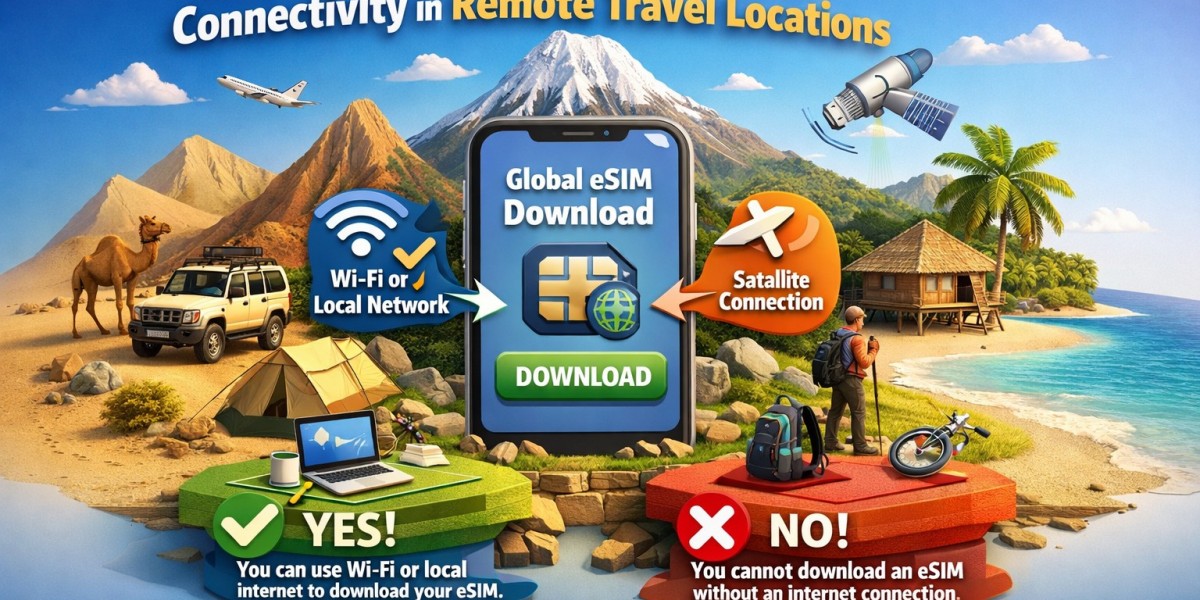

Many travelers ask a simple but important question: Do I need internet to download a travel eSIM? The short answer is yes, you usually need the internet to download and install a travel eSIM. But do not worry, this is easy to understand and easy to do. In this article, we will explain everything clearly in simple words.
When people travel to other countries, they want fast and easy internet on their phones. A travel eSIM helps them do this without buying a plastic SIM card in every country. But before you can use an eSIM, you must download it to your phone, and that part needs internet.
What is a Travel eSIM?
A travel eSIM is a digital SIM card inside your phone. You do not insert a plastic card. Instead, you download the eSIM using a QR code or an app.
You buy an eSIM plan online.
You receive a QR code by email or in an app.
You scan the code with your phone.
Your phone downloads the eSIM profile.
After that, your phone can use mobile internet in other countries.
Why Do You Need Internet to Download It?
Your phone needs internet because the eSIM file comes from a server on the internet. Your phone must download this file to install the eSIM.
This is similar to downloading an app, photo, or video. Without the internet, your phone cannot receive the eSIM file.
That is why most eSIM companies tell you to install your travel eSIM at home using WiFi before your trip.
Can You Download It at the Airport?
Yes, you can download a travel eSIM at the airport if there is free WiFi.
Most airports have WiFi. You can connect to it and then scan your QR code to install the eSIM.
However, this is not always perfect because airport WiFi can be slow or crowded. That is why it is better to install your eSIM at home before you travel.
Can You Download It on Airplane WiFi?
In some cases, yes, but it is not ideal.
Airplane WiFi is often slow and sometimes blocks downloads. Your eSIM installation may fail or take a long time. It is much safer to do it before your flight.
Can You Download It After Landing Without Internet?
No, you cannot download a travel eSIM without any internet at all.
If you land in another country and your phone has no internet yet, you will not be able to download the eSIM unless you first connect to WiFi.
This is why installing it before you leave is very important.
What Is the Best Way to Install a Travel eSIM?
The best way is:
Buy your eSIM online before your trip.
Use your home WiFi to download it.
Scan the QR code and install it.
Check that it appears in your phone settings.
Then, when you land in your travel country, your eSIM will connect automatically.
Do you need the Internet to use the eSIM after downloading?
No. Once the eSIM is downloaded and installed, you do not need WiFi to use it abroad.
Your eSIM will connect to local mobile networks in your travel country and give you internet.
So you only need the internet for the download, not for daily use while traveling.
A Simple Example
Let us look at a simple example.
Riya is traveling from India to Japan.
Before leaving home, she buys a travel eSIM.
She uses her home WiFi to scan the QR code.
Her phone downloads and installs the eSIM.
When she lands in Japan, she turns off airplane mode.
Her phone connects to a Japanese network automatically.
She now has internet without using WiFi.
If she had waited to download it after landing without WiFi, she would have had no internet at first.
What If Your Home Internet Is Not Working?
If your home WiFi is not working, you have a few options:
Use mobile data from your regular SIM to download the eSIM.
Go to a friend’s house and use their WiFi.
Go to a café or mall with free WiFi.
Any working internet connection is enough to download the eSIM.
How Long Does the Download Take?
Downloading a travel eSIM usually takes only a few minutes.
Most of the time, it is very fast if your internet is good.
Do you need the Internet to Activate It?
You usually need the internet to download and install the eSIM, but activation often happens automatically when you reach your travel country.
Some plans start working only when you connect to a network abroad.
What If You Forget to Download It Before Traveling?
If you forget, do not panic.
You can still download it at:
The airport uses WiFi
Your hotel uses WiFi
Any café or public WiFi place
Just make sure you have your QR code ready.
Why eSIM Is Still Better Than Local SIM
Even though you need internet to download it, a travel eSIM is still easier because:
You do not need to visit a SIM shop.
You do not need to remove your home SIM.
You do not need to show your passport.
You can set everything up before your trip.
Final Answer to the Main Question
So, the answer is, do I need the internet to download a travel eSIM? Is yes.
You need the internet to download and install it, but after that, you do not need WiFi to use it in your travel country.
Final Thoughts
A travel eSIM makes international travel much easier, but it must be downloaded first. The best plan is to install it at home using your WiFi before you leave.